 METROLORE Docs
- Docs
- Gameplay Camera
- Live cameras
M2Line M2 · Gameplay CameraView in store →
Live cameras
Live cameras turn your camera into a small broadcast set. You set up to ten cameras, go live, drive your vehicle, and cut between the cameras with the number keys. Press crews and directors can use them.
A camera is one of two kinds:
- Fixed: stays in the world at one spot, for example by the side of the road. With Track on it always looks at your vehicle.
- Mounted: sits on your vehicle (on the hood, at the rear, at the side, in the driver's seat) and moves with it.
#Set up your cameras
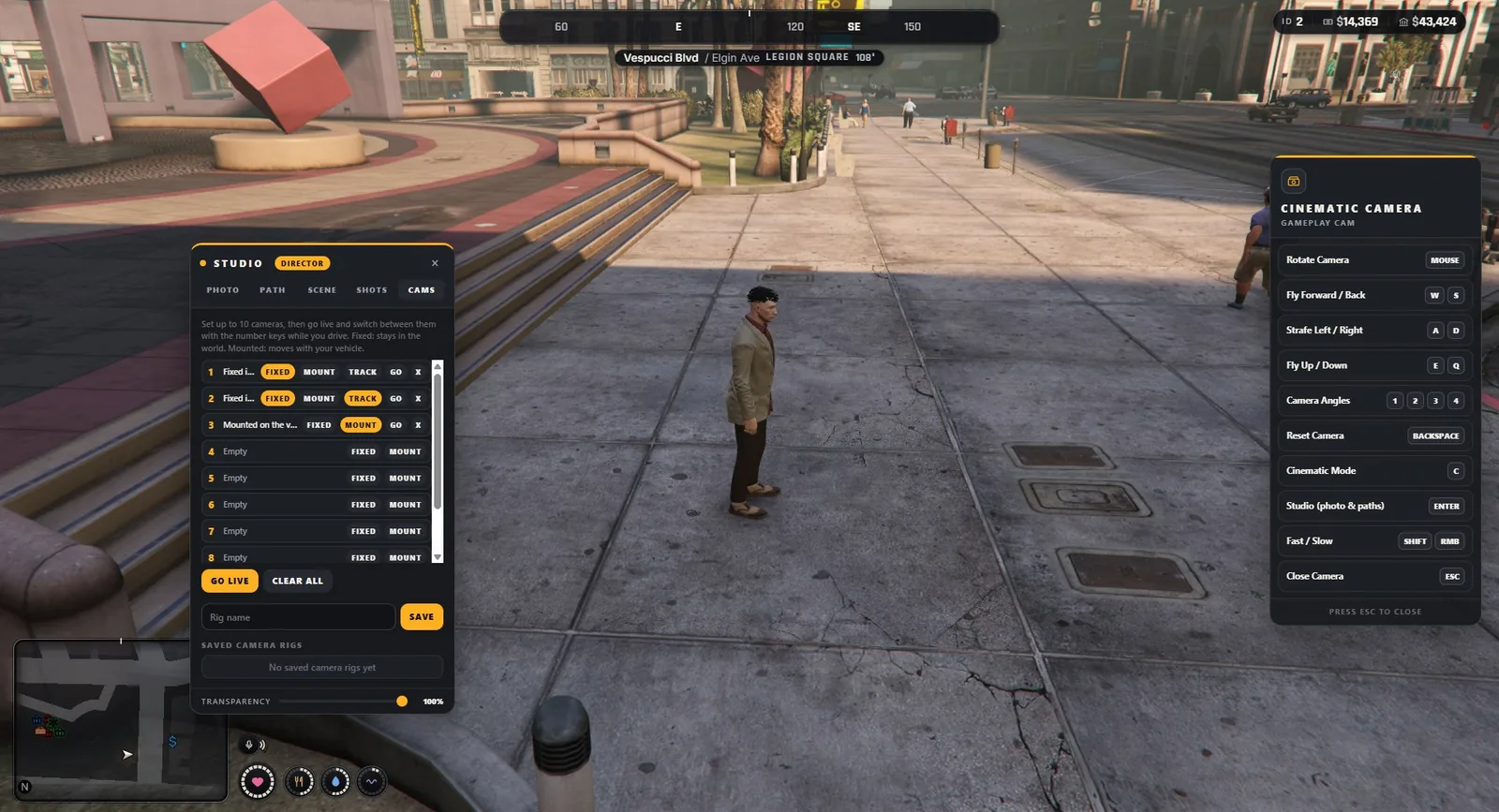
- Get into your vehicle and turn the engine off. Type
/gameplaycam, then press Enter for the studio and open the Cams tab. - Close the studio, fly the camera to the first place and open the studio again.
- On the camera's row press Fixed or Mount. The row shows what it is. Track makes a fixed camera look at your vehicle. Go flies the freecam to that camera so you can check it. X removes it.
- Repeat for up to ten cameras. Row 1 to 9 belong to the keys 1 to 9, row 10 to the key 0.
A mounted camera needs you to sit in the vehicle when you set it. A camera can only be set inside the distance limit of your role.
Saved camera rigs: type a name and press Save; Load brings the set back. A rig is kept on your own computer. Fixed cameras belong to the place where you set them.
#Go live
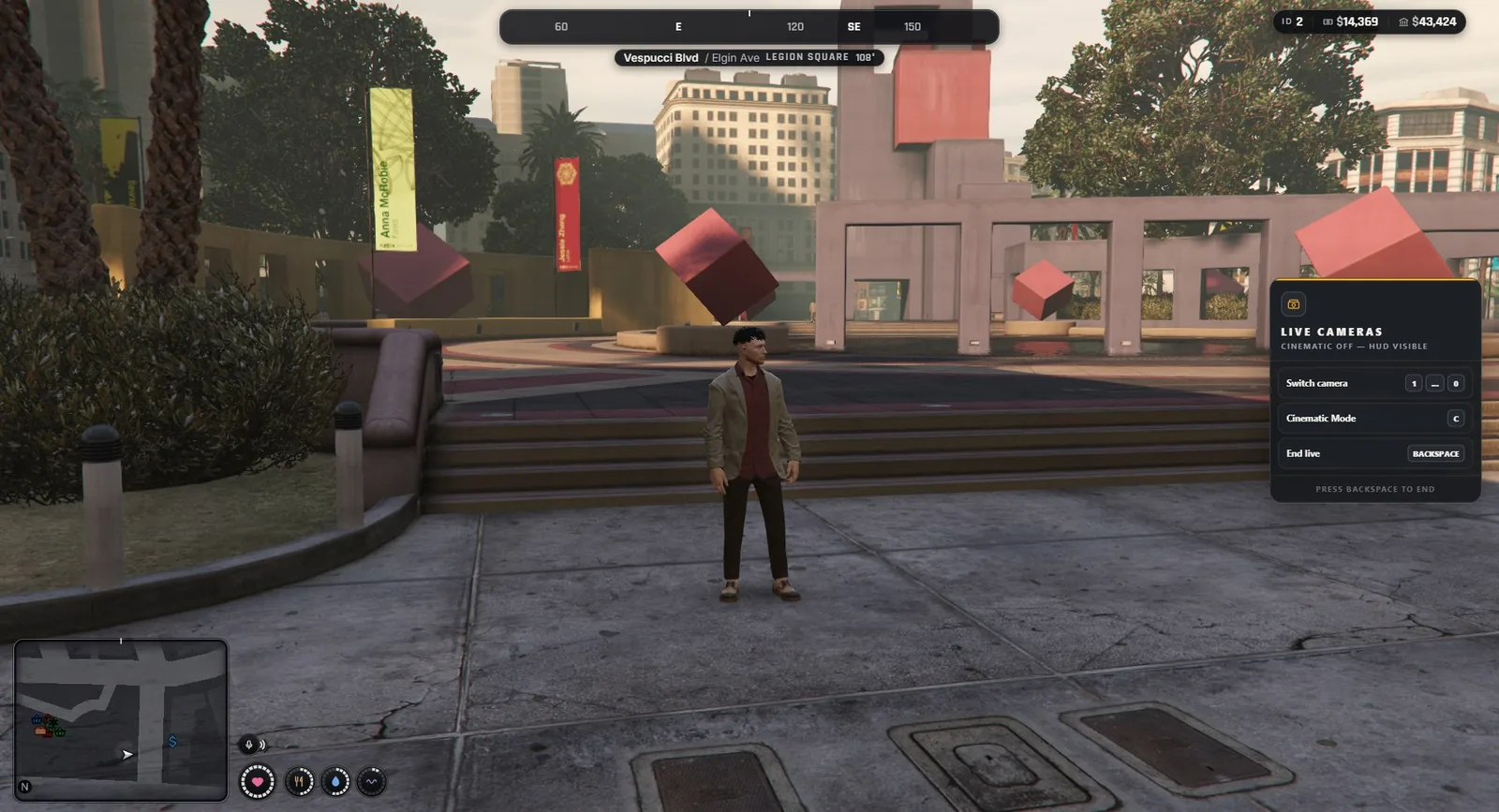
Press Go live. The studio closes and you get your vehicle back: start the engine and drive.
| Action | Key |
|---|---|
| Cut to camera 1 to 9 | 1 to 9 |
| Cut to camera 10 | 0 |
| Cinematic mode (HUD off) | C |
| End live | Backspace |
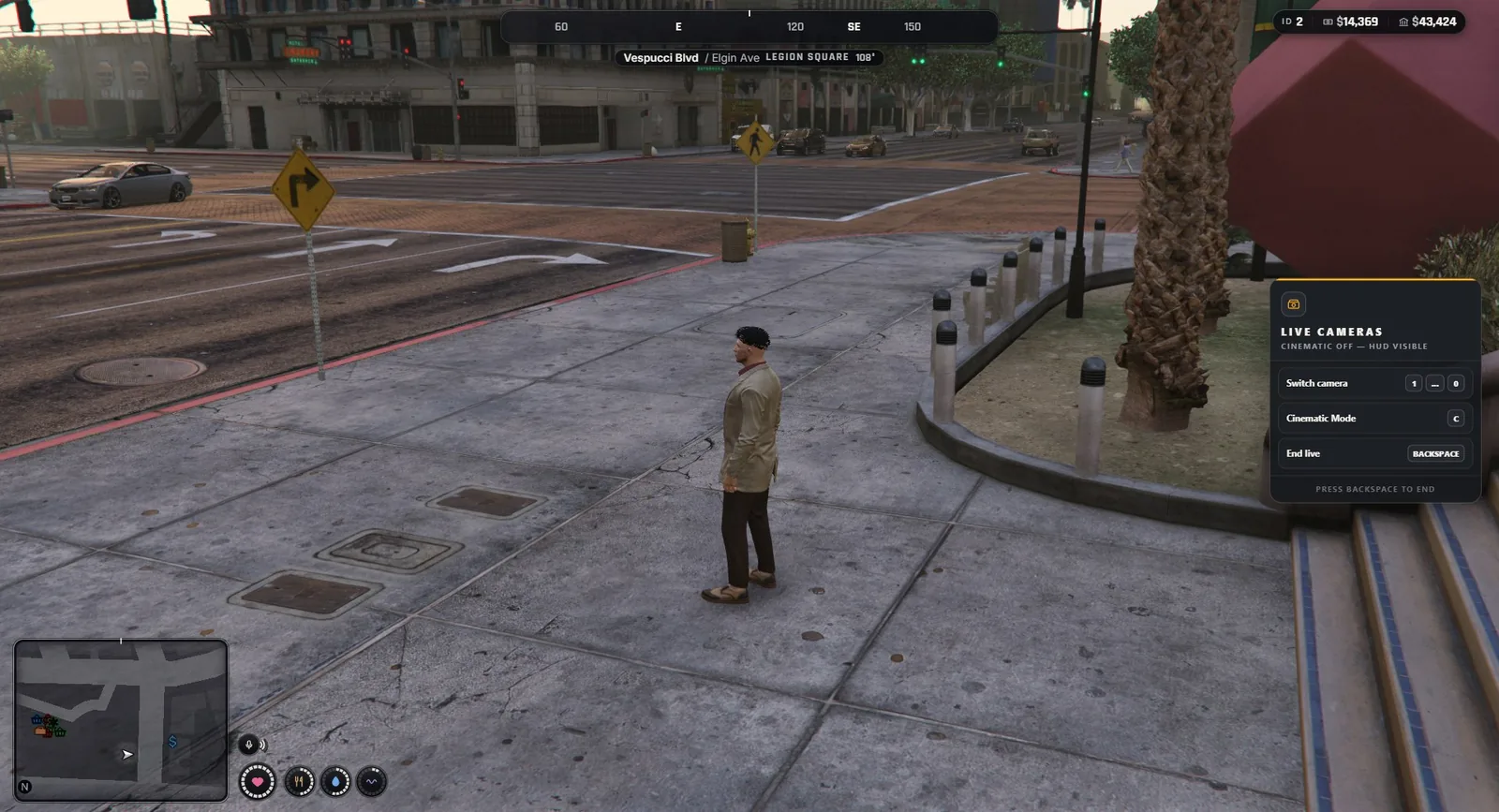
The camera glides from one camera to the next. Config.Multicam.TransitionTime sets how long this takes (1.2 seconds by default). Set it to 0 for an instant cut.
While you are live, the inventory hot keys are switched off so the number keys do not also select an inventory slot. They come back when you end live.
#Good to know
- A fixed camera works only while it is inside the distance limit of your role around you (60 m for press crews, 250 m for directors). When the active camera goes out of range, the live mode switches to the first camera that works. When none works, live ends.
- A mounted camera works only while you sit in a vehicle.
- The number keys are game controls (
Config.Multicam.Keys). The tenth camera uses the 0 key through a key mapping that players can change in the FiveM settings. - If you die or get cuffed, the camera closes.