 METROLORE Docs
- Docs
- Gameplay Camera
M2Line M2 · Gameplay CameraView in store →
Gameplay Camera
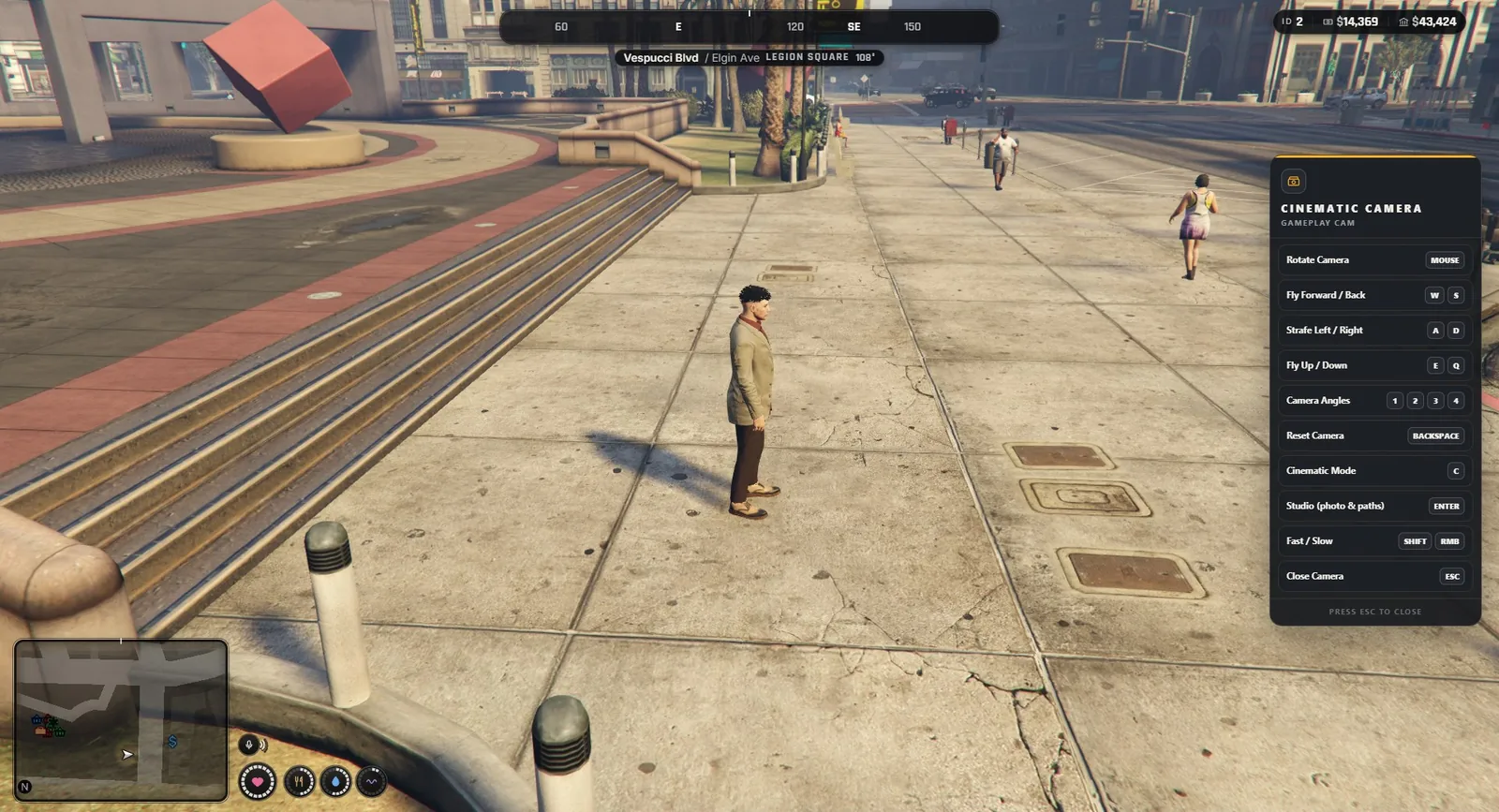
mlr-gameplaycam is a cinematic camera for FiveM. A player opens a free camera around their character, flies it, switches the HUD off and shoots screenshots or clips. Server owners and film crews get more: recorded camera paths, shot sequences with a record mode, a scene panel for time and weather, tracking shots on moving vehicles, and ten live cameras you can switch between while driving.
Everything runs on the player's own computer. There is no database and no SQL. A small server file decides who is a press crew member or a director.
#Features
- Free camera: mouse look and fly keys, fast and slow speed, four preset angles, a distance limit that keeps the camera near the character.
- Cinematic mode: hides the HUD, adds letterbox bars and a light camera shake. Works with your own HUD (see Integrations).
- Studio panel: tilt, field of view, depth of field that keeps the character in focus, colour filters, a rule-of-thirds grid.
- Camera paths: add points while you move the camera, play them back as a smooth camera move, loop them, edit the points and save them by name.
- Roles: players, press crews and directors, each with their own limits. Roles are given by an ACE permission or a job.
- Director tools: film ratio, camera shake, time of day, weather, clean streets, hide other players, shot sequences and a Record take mode with a countdown.
- Tracking shots: attach the camera to a moving vehicle or person.
- Live cameras: set up to 10 fixed or vehicle-mounted cameras and switch between them with the number keys while you drive.
- Safe by design: the camera never opens, and closes by itself, when the player is dead, cuffed or in a vehicle with the engine running. A freeze set by another script is never released by this one.
- English and Turkish interface (
Config.Locale).
#Requirements
- FiveM server with a recent artifact.
- No framework, no SQL and no required dependencies.
- Optional:
ox_inventory,ox_lib,qb-menu,lb-phoneand emote menus are kept out of the way while the camera is open. A job based role needs QBCore or ESX.
#Who gets what
| Player | Press crew | Director | |
|---|---|---|---|
| Points in one path | 16 | 64 | 200 |
| Longest path | 60 s | 10 min | 30 min |
| Distance from the character | 15 m | 60 m | 250 m |
| Flying speed | normal | 3 times | 8 times |
| Film ratio and camera shake | yes | yes | |
| Record take | yes | yes | |
| Follow a moving target | yes | yes | |
| Live cameras | yes | yes | |
| Scene tools (time, weather, clean streets) | yes | ||
| Shot sequences | yes |
All values can be changed in Config.Roles.