 METROLORE Docs
- Docs
- Gameplay Camera
- Using the camera
M2Line M2 · Gameplay CameraView in store →
Using the camera
#Open and close
- Type
/gameplaycam, or hold V for about 4.5 seconds. A short press of V is still the normal GTA camera. - Close it with ESC or by typing
/gameplaycamagain.
While the camera is open your character stands still, the weapons and inventory are blocked, and a panel on the right lists the keys.
#Keys
| Action | Key |
|---|---|
| Look | Mouse |
| Fly forward, back, left, right | W, S, A, D |
| Fly up and down | E, Q |
| Fast | Shift (hold) |
| Slow | Right mouse button (hold) |
| Preset angles (front, back, left, right) | 1, 2, 3, 4 |
| Reset the camera | Backspace |
| Cinematic mode | C |
| Studio panel | Enter |
| Close | ESC |
The fast and slow keys, the studio key and the other controls can be changed in Config.Controls.
The slow key is the right mouse button on purpose. Keys such as Ctrl (crouch) and Tab (inventory) are bound by other scripts with a key mapping that no script can block, so the character would crouch or the inventory would open.
#Cinematic mode
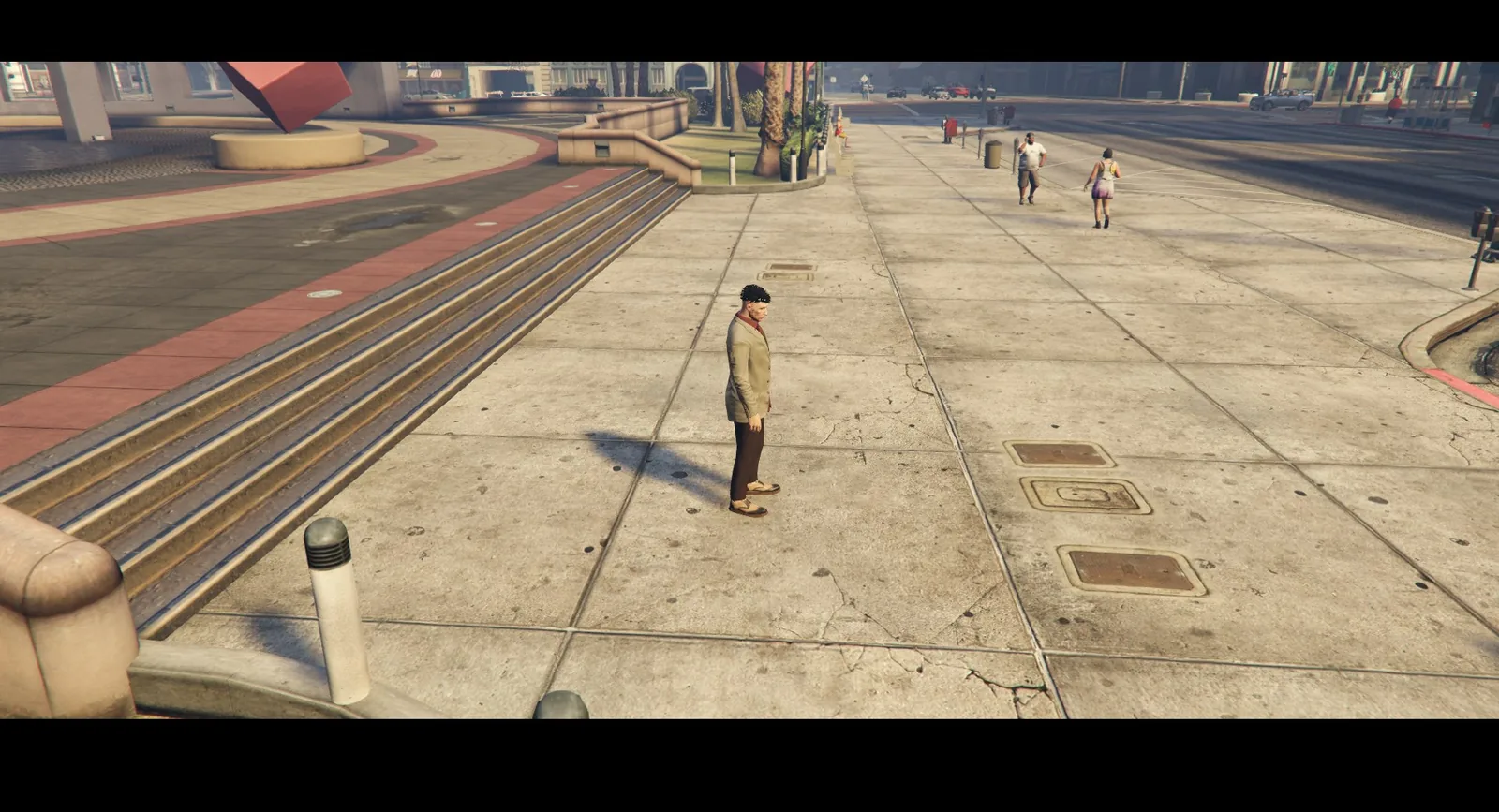
Press C. The HUD is hidden, black bars appear at the top and bottom of the screen and the camera gets a light handheld shake. Press C again to go back.
#Film ratio
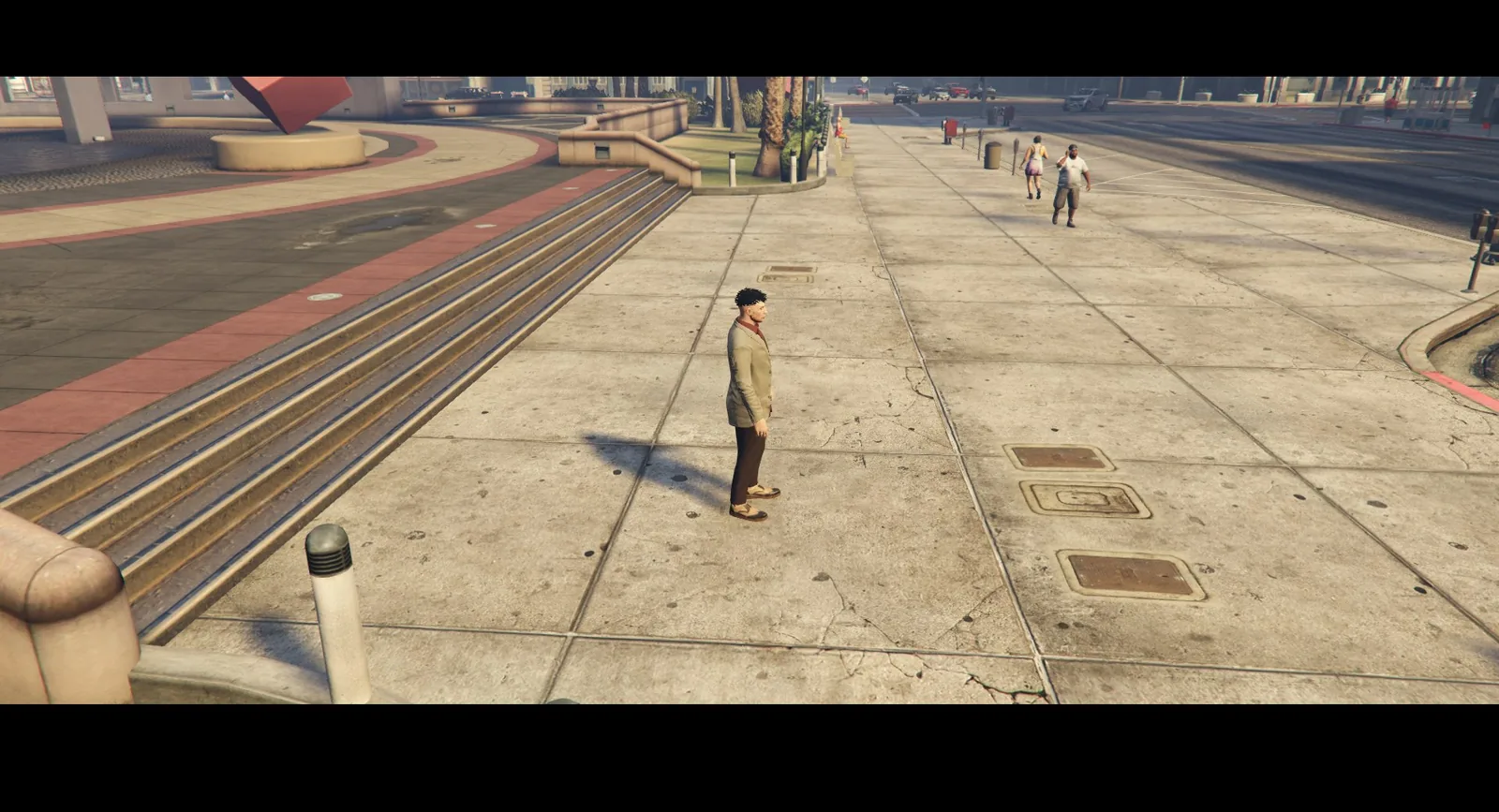
Press crews and directors can choose a film ratio (2.39:1, 2:1, 1.85:1 or 4:3) in the studio. The bars follow the ratio, on any screen size.
#Distance limit
The camera stays near the character so it cannot be used to scout the map. A player can go 15 metres away. Near the limit the picture blurs and a warning appears; past it the camera closes by itself. Press crews and directors have a larger area.
#When the camera is not available
The camera does not open, and closes by itself, when the player is dead, cuffed, ragdolling, or when a state in Config.BlockedStates is set. In a vehicle it works only while the engine is off and the vehicle stands still; it closes as soon as the engine starts or the vehicle moves. Press crews and directors can also use the live cameras while driving (see Live cameras).