METROLORE Docs
- Docs
- Sit Anywhere
- Using Sit Anywhere
M4Line M4 · Sit AnywhereView in store →
Using Sit Anywhere
#Chairs, benches and beds
Aim at a chair, bench, sofa or bed and use the target eye ("Sit" or "Lay down"). With ControlMode = 'commands' use /sit and /lay on the nearest seat or bed. X (or /getup) gets up.
#Free placement
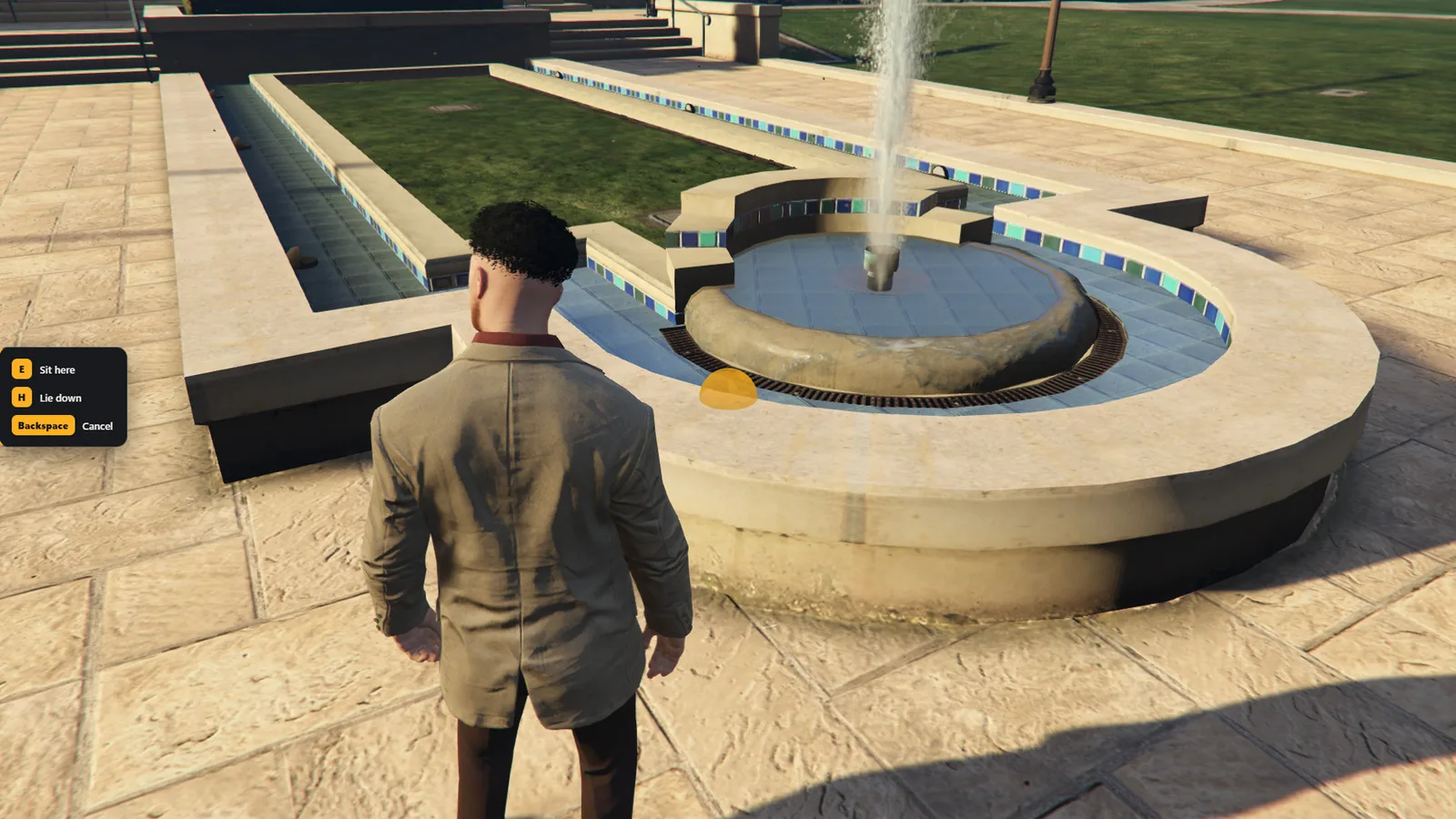
- Press U. Aim at a surface within a few metres.
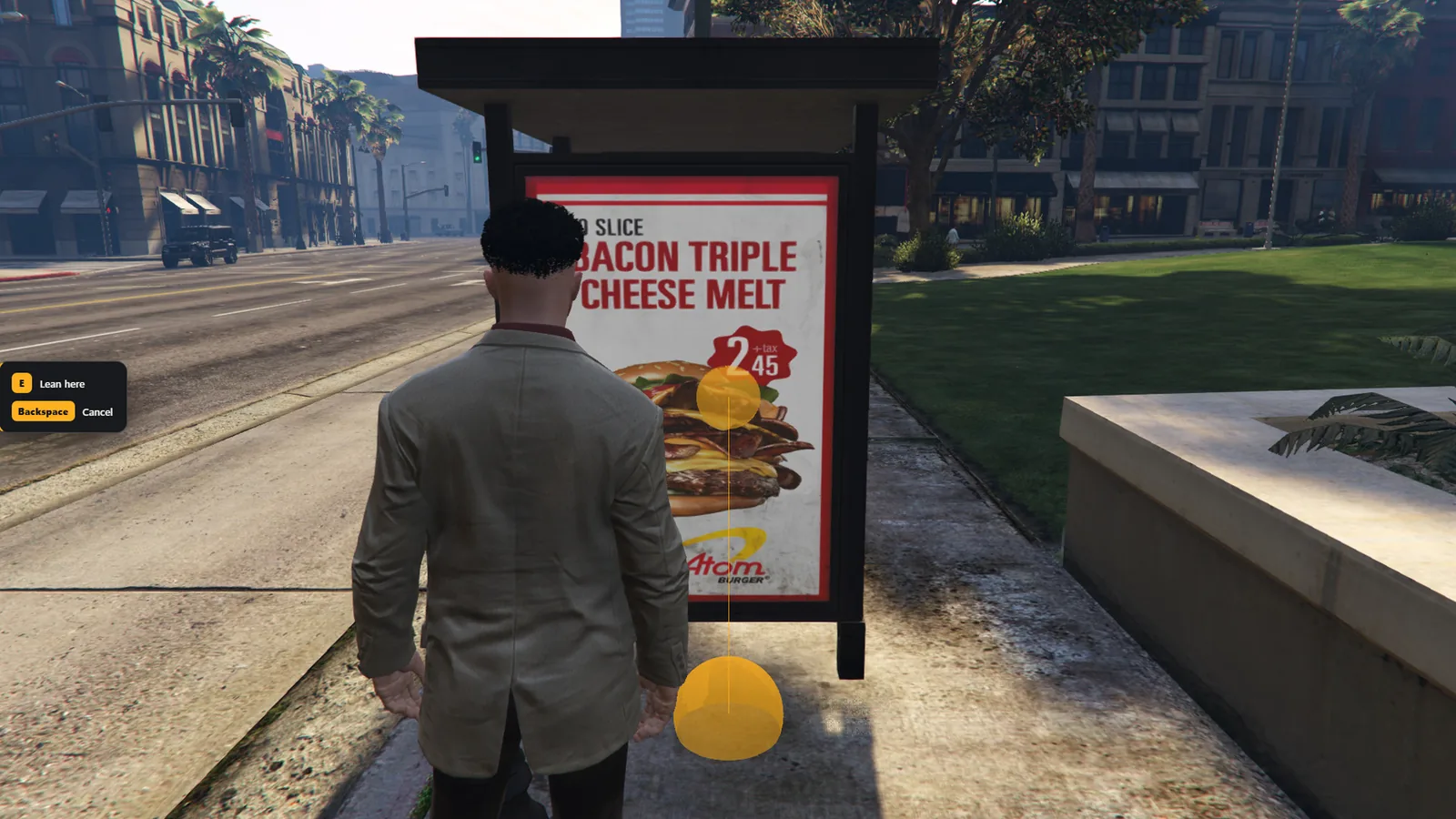
- A marker shows the spot: amber means usable, red means not usable, and the hint on the left says why (too far, something in the way, too high).
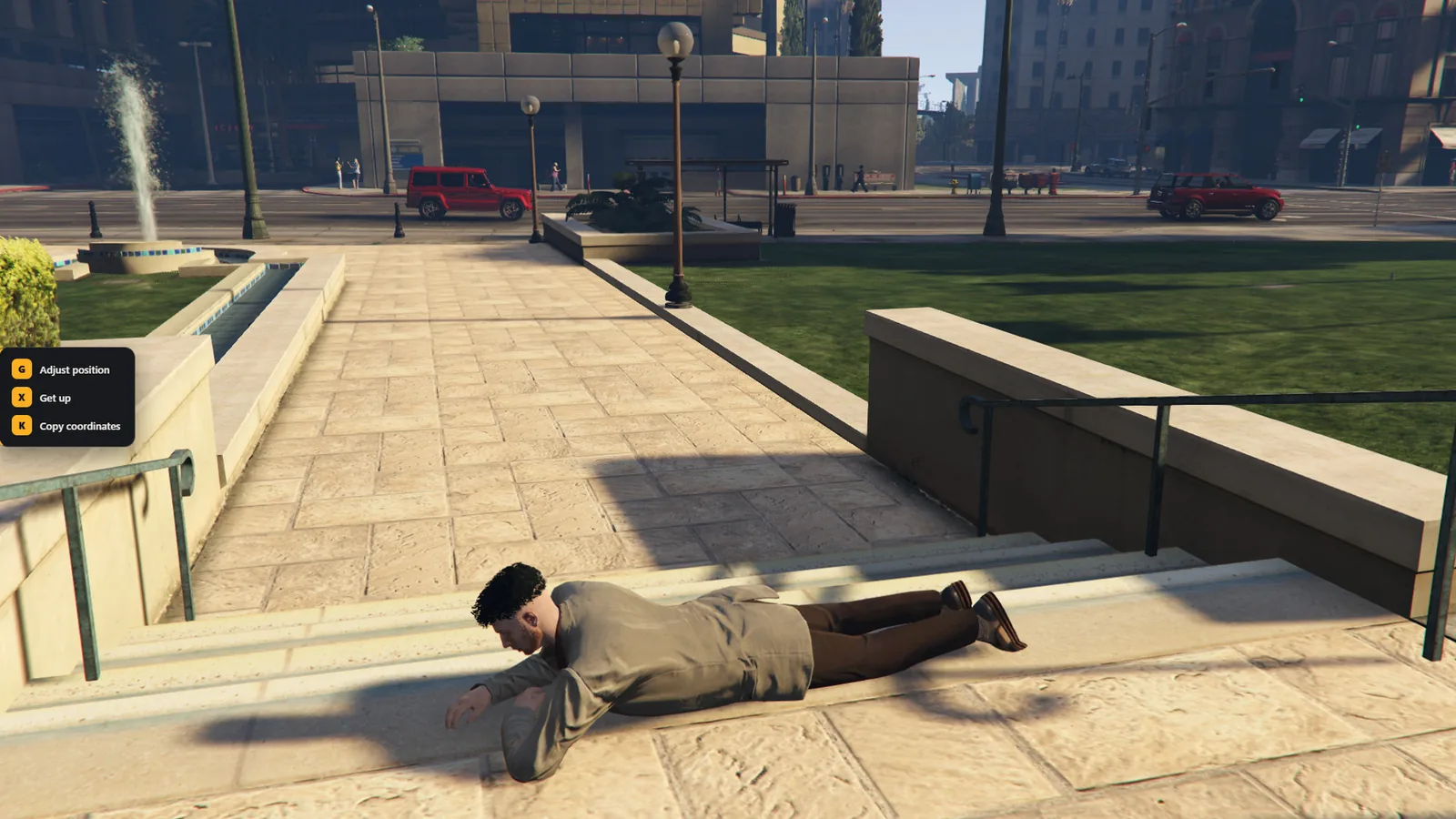
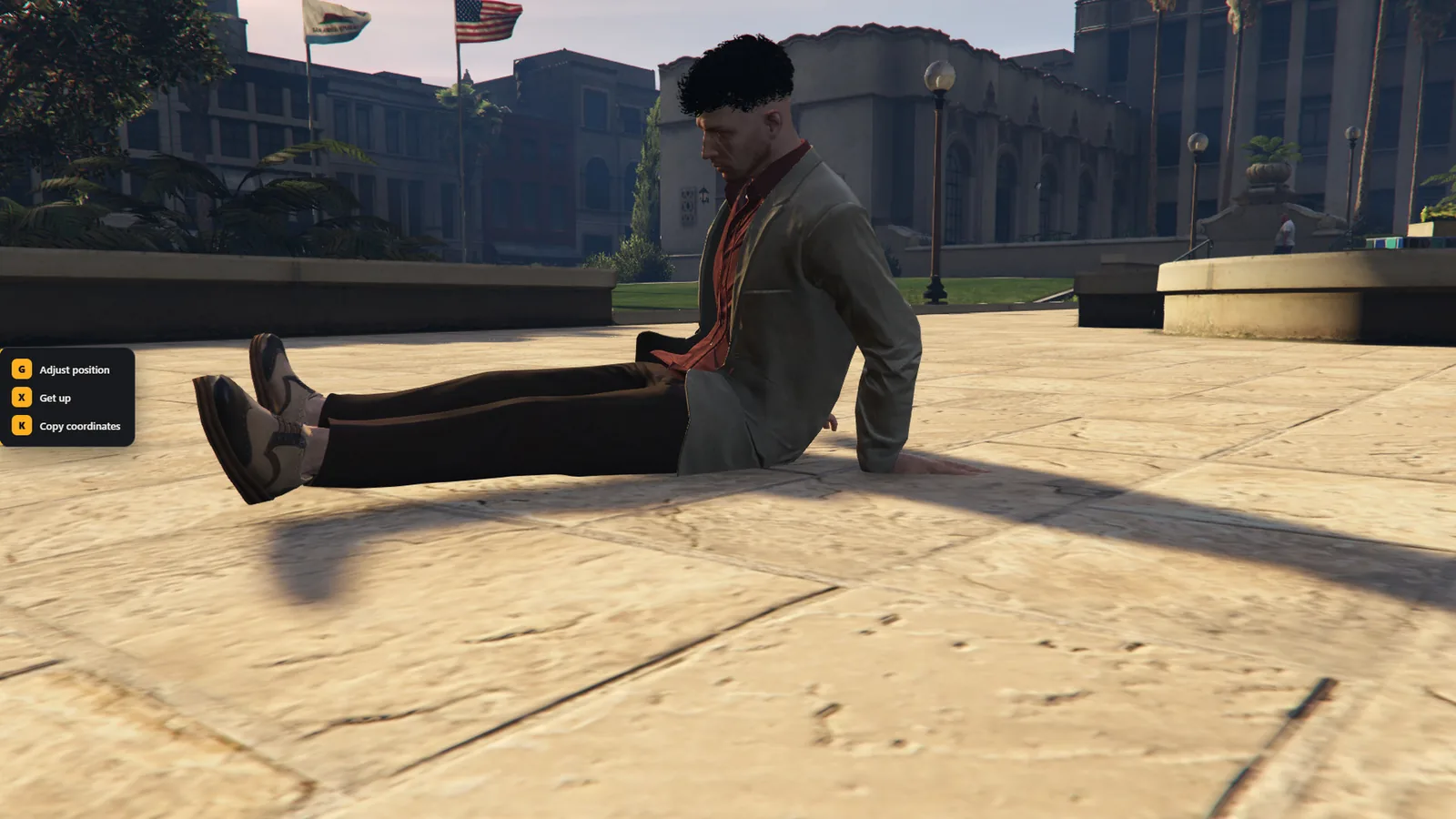
- On a flat surface (the ground, grass, a curb, a wall top, a ledge, a parked vehicle) press E to sit or H to lie down. On a wall or a vehicle's side press E to lean. Backspace cancels.
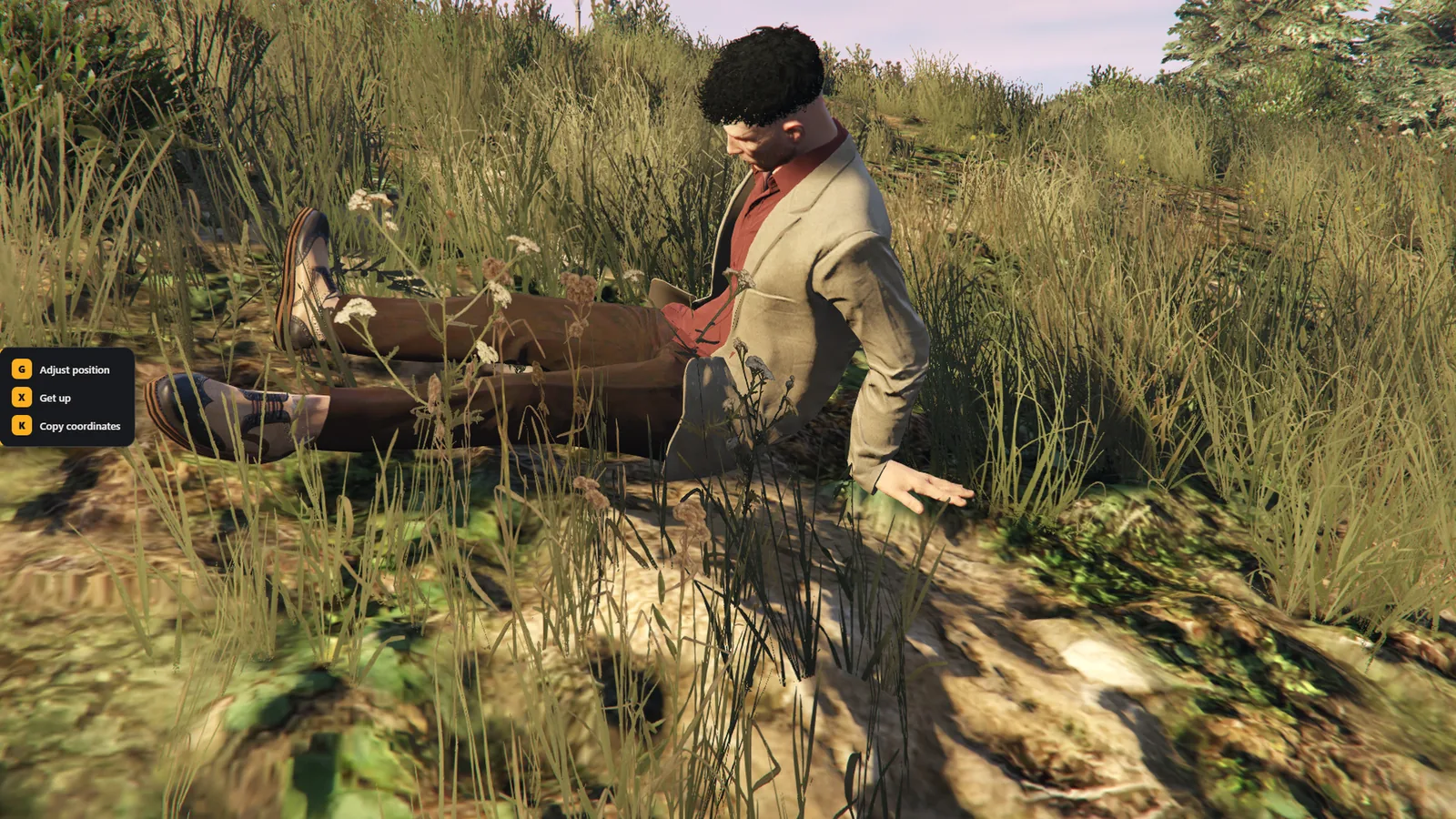
The direction is chosen automatically. On a ledge the legs hang off the edge. On the ground the back goes to a nearby wall, otherwise the player faces open space. On a slope the player faces downhill and the body tilts with the ground, and when lying down the head goes uphill. The steepest usable slope is about 45 degrees.
Sitting and lying do not work in water: the sea, rivers, lakes and pools are refused. The edge of a pool is fine, with the legs in the water.
Every animation is set on the surface by measuring the real pose of the character, so the body does not sink in or float above it. On the ground and on low curbs only animations that fit there are offered, because sitting with the legs down needs room under the seat.
When lying down, the body is also turned to fit the surface. If it does not fit, the message says there is not enough room and the player stays where they are. On a parked vehicle this check is skipped.
#Leaning
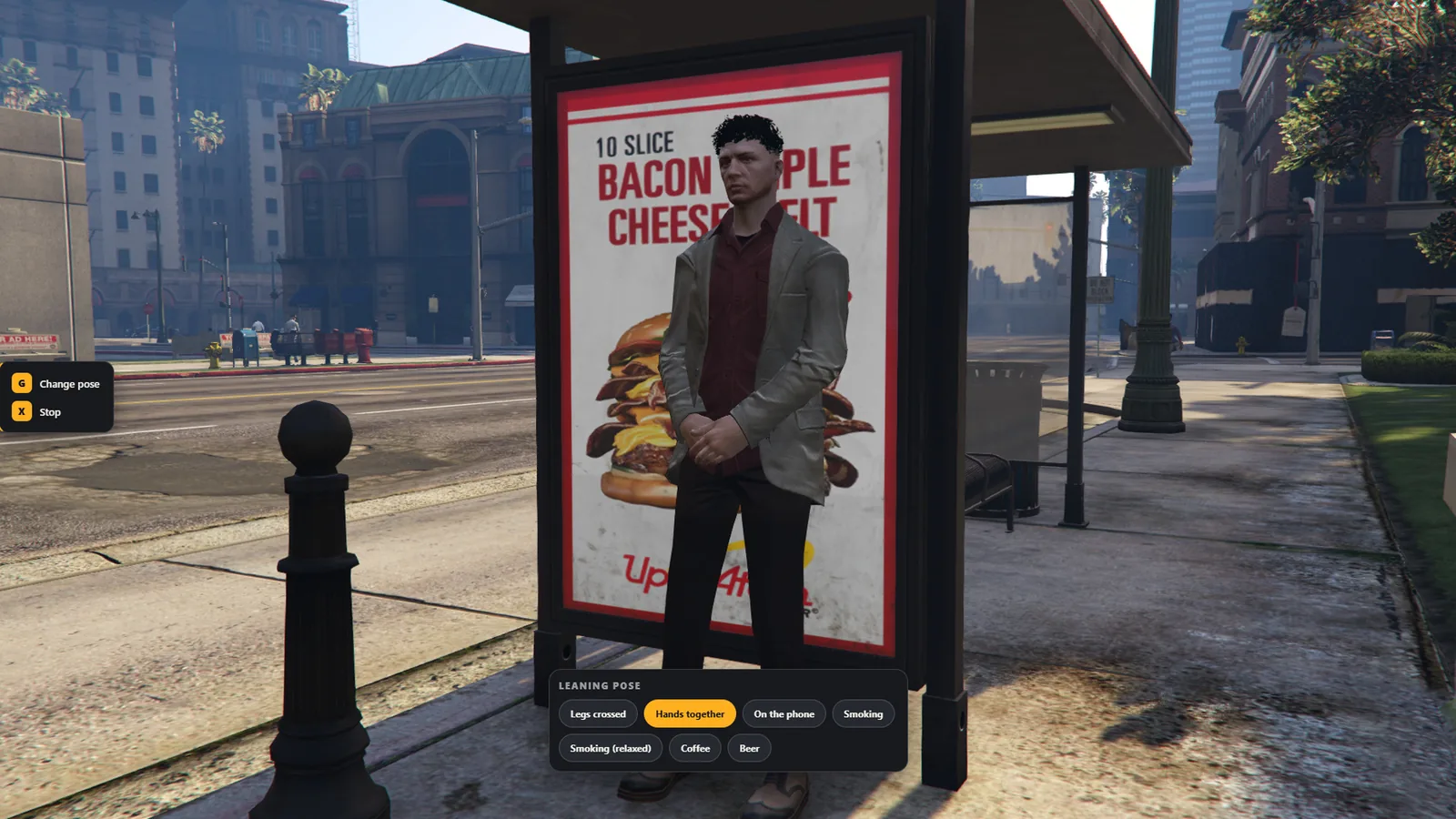
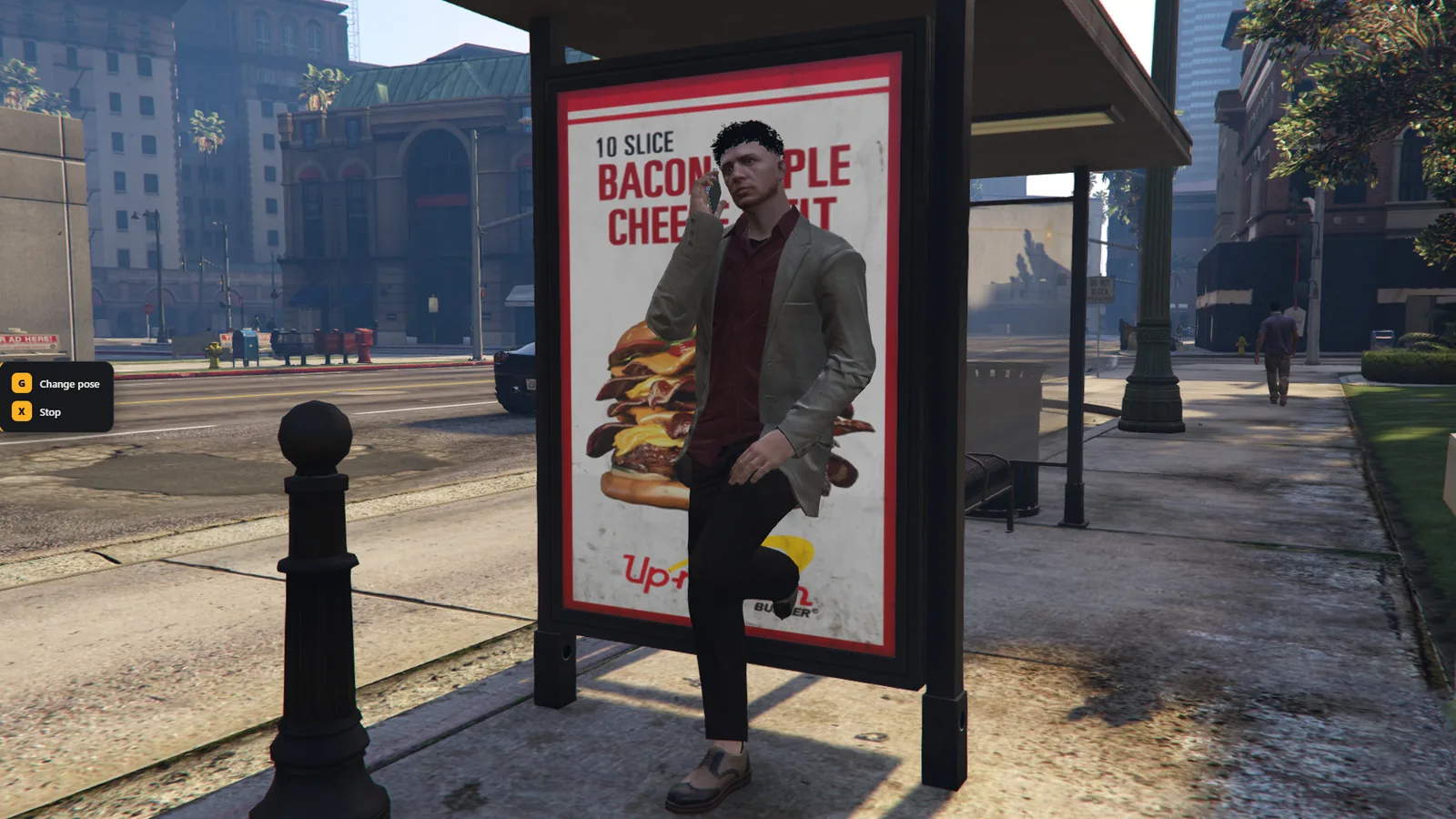
While leaning, press G to pick a pose: legs crossed, hands together, on the phone, smoking, coffee, beer. The held item appears in the hand. The choice is remembered. Leaning ends when the player moves, presses X, or the vehicle they lean on drives away.
#Position editor
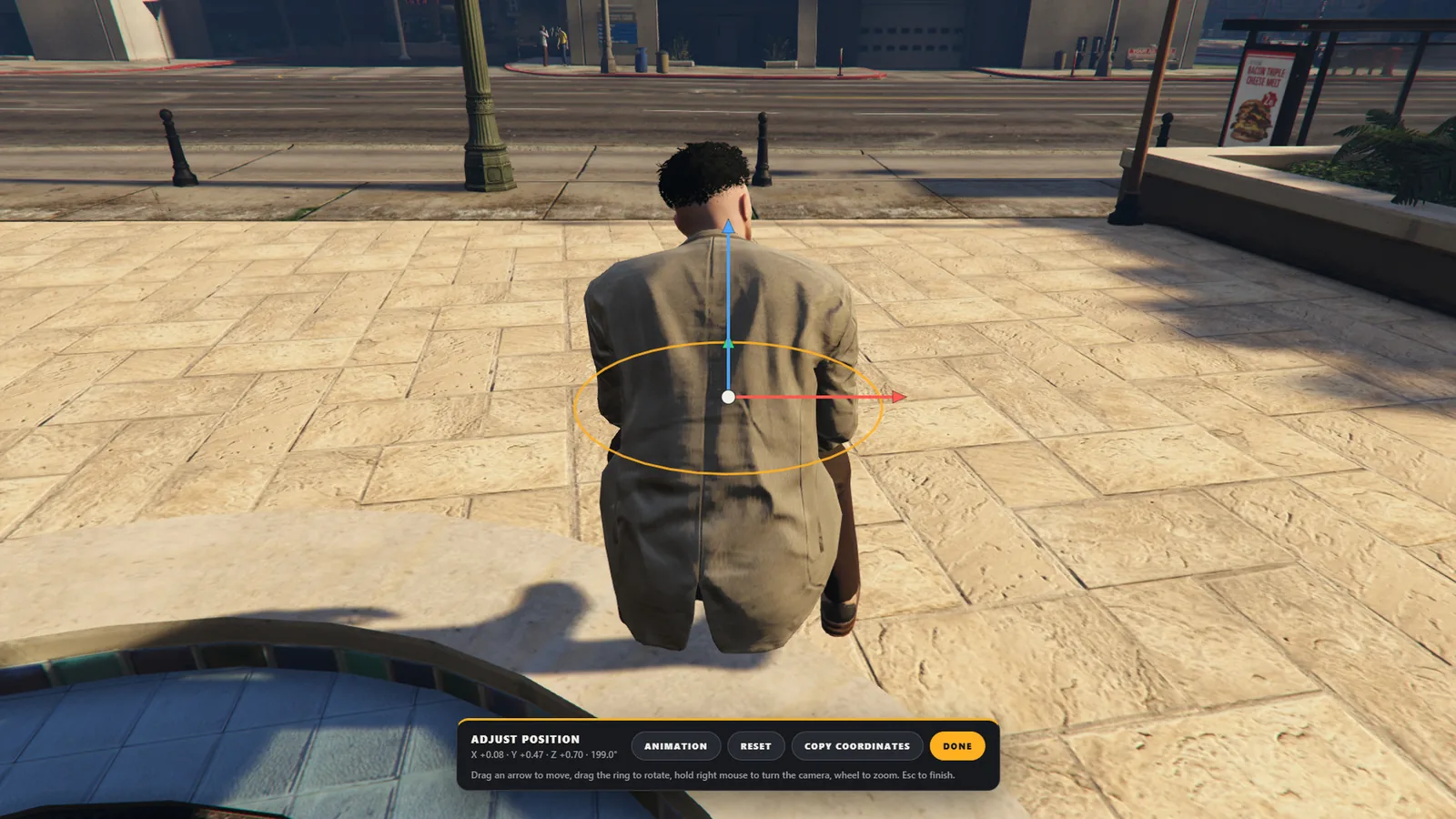
While sitting or lying, press G.
- Drag a coloured arrow to move: red sideways, green forward and back, blue up and down.
- Drag the centre dot to move on the ground plane.
- Drag the amber ring to rotate.
- Hold the right mouse button and move the mouse to turn the camera. Use the wheel to zoom.
- Animation opens a list of sitting or lying animations.
- Reset returns to the default position of the current animation. Copy coordinates copies the seat position. Done (or Esc) closes the editor and saves the adjustment for that animation.
The editor works on seats that use an animation: wall tops, ledges, vehicles, beds and benches. Chairs that use a game scenario keep the standard behavior.
#Limits
Sitting, lying and leaning do not start, and are cancelled, when the player is dead, handcuffed, in last stand, fighting, shooting or takes damage. The editor cannot move the player through walls or into the surface, and its camera stops at walls. Getting up from a spot higher than the feet, or after moving with the editor, returns the player to where they stood, so none of this can be used to get over a wall or fence. A car driving close ends the action.